
STARMODUL 3D CONFIGURATOR

3D Metal Structure Configurator

Design an initial configuration of your steel structure online using the StarModul 3D configurator. Define dimensions and geometry, view the structure, and get preliminary information about the required components.

The tool works with the StarModul system of bolted connections for metal structures and is intended as an initial aid for exploring a solution before the final technical specifications are established.

DESIGN YOUR STRUCTURE ONLINE

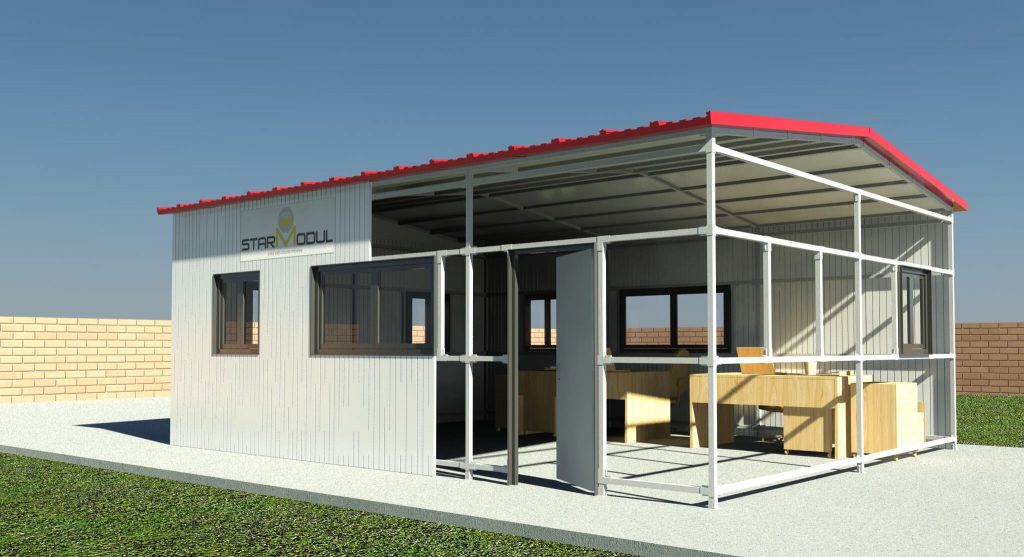
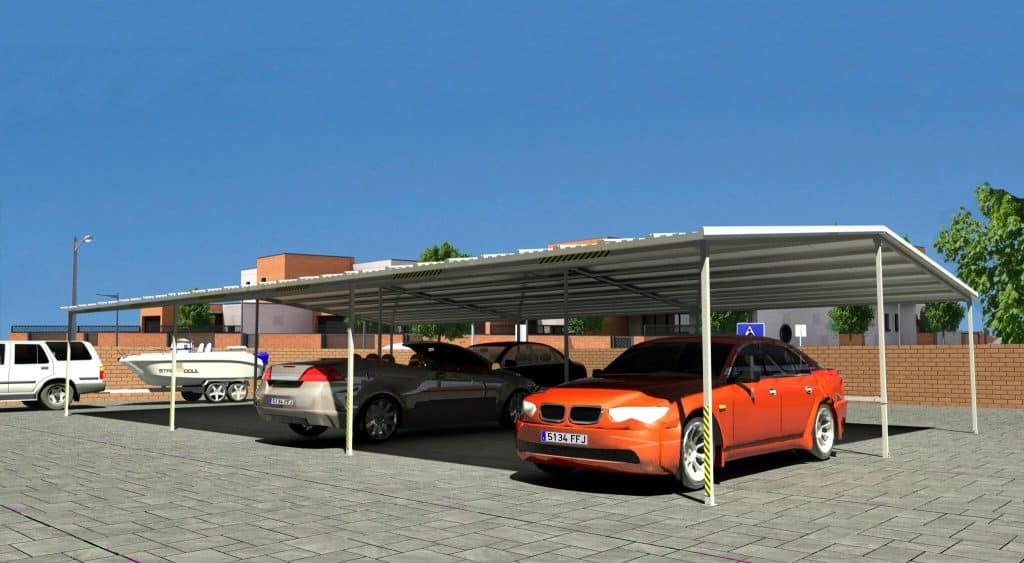
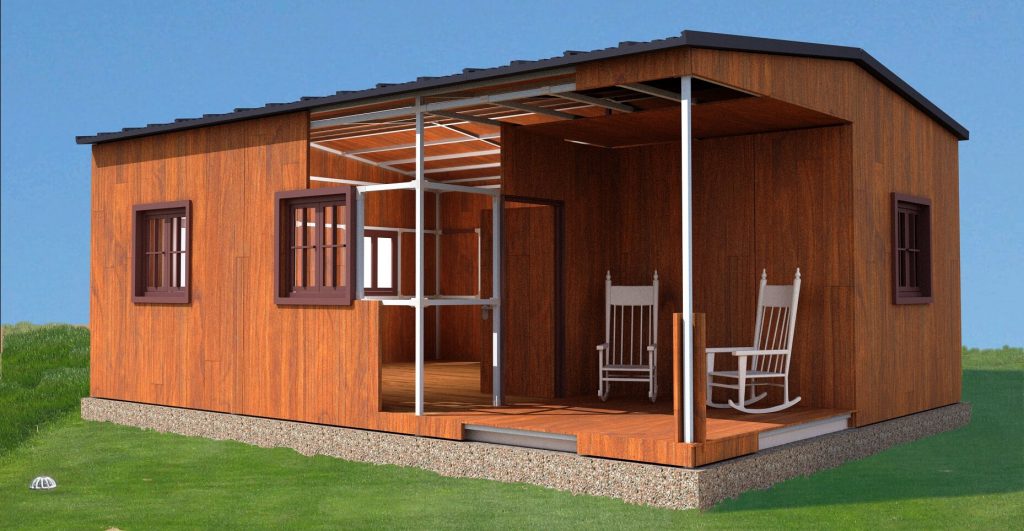
View and configure a custom structure

Enter the available parameters, modify the settings, and use the 3D model to understand the structure’s geometry before requesting a proposal.

  • 3D Visual Configuration
  • Dimensions and Initial Geometry
  • Required StarModul Connectors
  • Estimated Calculation of Profiles and Components

SET UP YOUR STRUCTURE

StarModul 3D Designer for Metal Structures

Use the configurator to define an initial geometry for the structure. You can interact directly with the model embedded below.

WHAT YOU CAN DO

Features of the Steel Structure Configurator

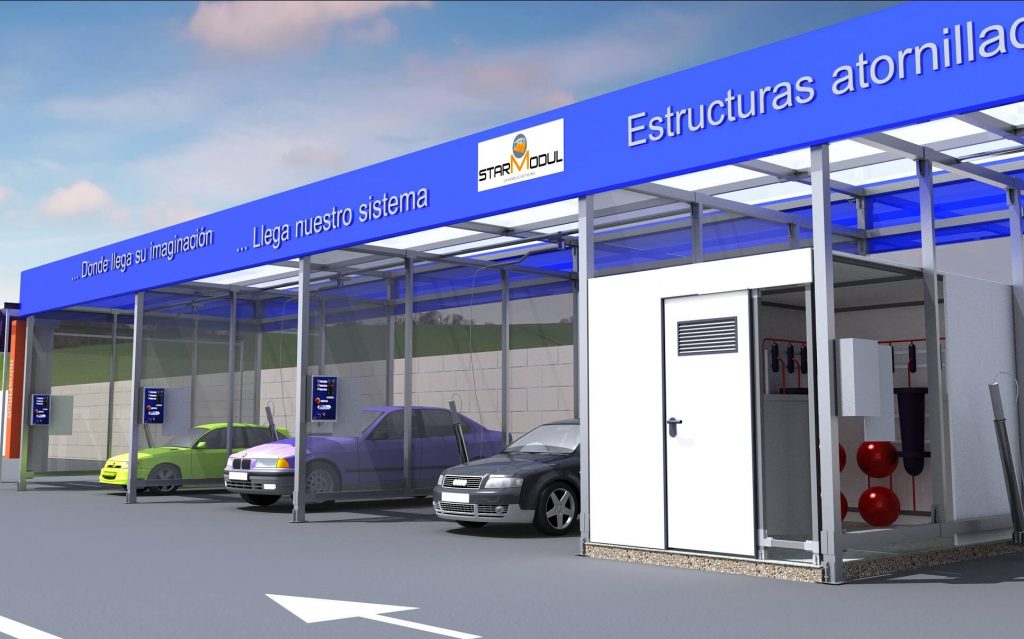
The configurator allows you to create an initial project definition and visualize how a structure is organized using the StarModul bolted connection system.

Define Dimensions

Enter the available dimensions to adapt the initial geometry to the project’s requirements.

View in 3D

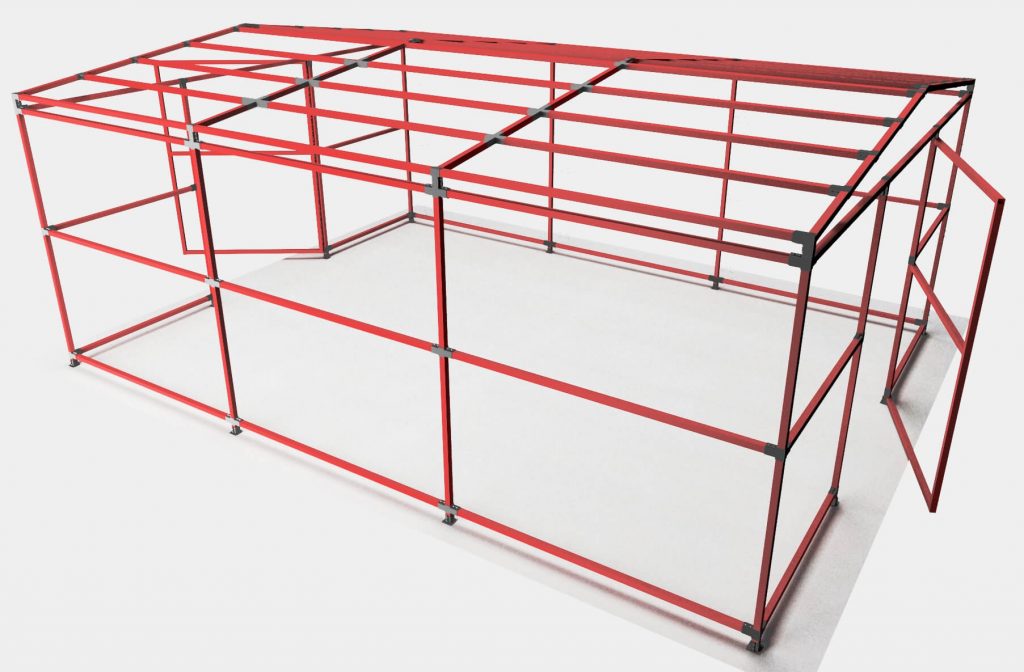
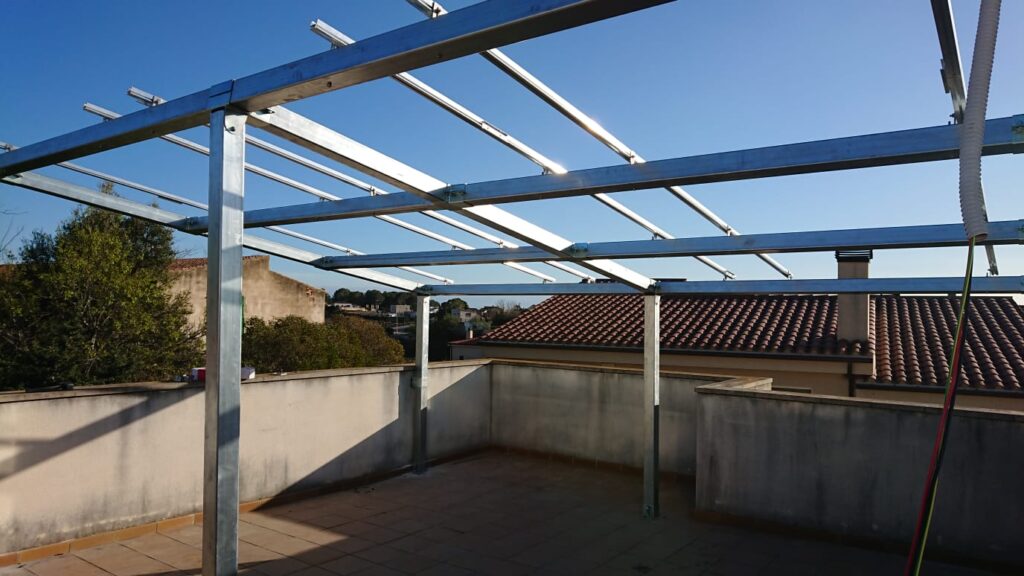
Visually check the configuration of the structure’s columns, beams, and joints.

Identify connections

The tool generates an estimate of the screw connections required for the selected configuration.

Get an initial estimate

Review the illustrative bill of materials for the tubes, profiles, and components associated with the configured structure.

HOW IT WORKS

How to Design a Metal Structure Online

1

Define the measurements

Enter the available dimensions and parameters to define the basic geometry.

2

Adjust the settings

Change the structure settings and see how the 3D model changes.

3

Check the components

Check the joints and profiles that the configurator suggests for this model.

4

The project continues

Use the configuration you’ve obtained as a starting point to request information or define the structure from a technical standpoint.

GUIDELINE SETTINGS

From the 3D model to the structural design

The steel structure configurator facilitates the initial design of a StarModul solution, but it does not replace the technical design or structural analysis.

The section involving profiles, thicknesses, reinforcements, supports, and permanent connections must be verified based on the geometry, use, loads, location, and conditions of each project.

Use it as a first definition

  • Compare dimensions and configurations.
  • View the structure before assembly.
  • Identify components of the StarModul system.
  • Prepare a more precise inquiry.

FREQUENTLY ASKED QUESTIONS

Questions About the 3D Steel Structure Configurator

We address the most common questions about using the StarModul 3D designer and the scope of the information it generates.

It allows you to define an initial structure geometry, view it in 3D, and obtain general information about the joints, tubes, and profiles associated with the selected configuration.

Yes. The StarModul configurator allows you to modify parameters and view an initial configuration of the structure online. The result serves as a starting point and must be technically validated before the project is implemented.

No. The tool facilitates an initial configuration and evaluation, but the final structure must be sized and verified through structural analysis based on loads, geometry, use, and location.

The tool generates StarModul connections associated with the configured geometry for reference purposes only. The final selection must be compatible with the project and the corresponding structural analysis.

The system provides an initial estimate for the configured components. The final price will depend on the scope of the order, the final configuration, and the specific terms of the project.

It is advisable to know the approximate dimensions of the structure, the roof shape, the height, and the intended use. This information helps create an initial configuration that more closely matches actual needs.

MORE INFORMATION

Continue with your StarModul metal frame